
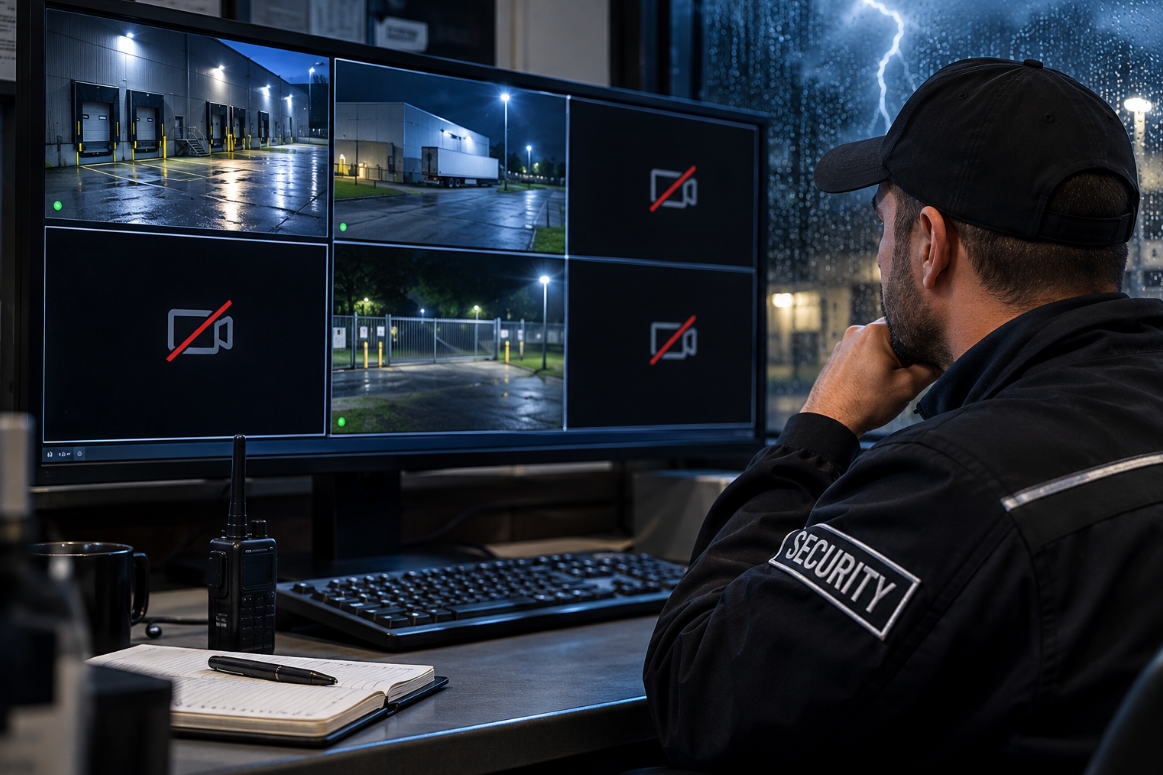
Three camera views are blank, deliveries are continuing, and the officer in the control room can no longer monitor the loading dock and yard entrance. Power has been restored after an interruption, but the cause of the missing images is unknown. The immediate priority is recognizing the coverage gap and getting the right people involved.
Training scenario note: This training scenario is based on a storm-related service call at a factory. Camera labels, times and actions are training details, not a record of the repair.
Start with what you can see
At 21:10, an officer notices that CAM-03, CAM-04 and CAM-07 show no image on control-room workstation 1. Other views are still updating. The affected cameras cover the loading dock and yard entrance, where deliveries continue. Facilities has reported an earlier power interruption, but nobody knows when the images went blank, and playback hasn’t been checked.
Writing “storm damaged three cameras” turns an observation into a diagnosis nobody has made.
Record which views are missing, where you saw this and who reported the power interruption. Leave the cause open.
Keep three times separate: when you discovered the problem, when the outage was reported, and when the cameras were last confirmed working. Include the date and time zone.
What the technician needs from your report
The exact symptom. A black view, a frozen image, a “video loss” or “no signal” message, or an application that won’t open each give the technician a different starting point.
Error messages, word for word. Copy the text exactly, or capture it through an approved channel.
What still works. Are other cameras on the same screen live? Does the application respond? Can another approved station see the affected views? “Not checked” is still useful information.
Patterns, not conclusions. Cameras that drop together may share a switch, power supply or cable route. That is worth noting, but it doesn’t prove which part failed, if any.
Report the coverage problem
Tell your supervisor what the affected views normally cover. “Loading dock and yard entrance cannot be monitored from workstation 1; deliveries continue” describes an operational problem that needs attention before anyone knows the technical cause. Notify your supervisor promptly when you discover the coverage gap; do not delay that notification while preparing a detailed technical report.
Follow post orders for temporary coverage. A supervisor may set up an authorized observation point or adjust patrols. Record who authorized it and when it started. Don’t leave another assigned position to make up for missing views. If an incident may have occurred during the affected period, flag the cameras and time window to whoever is responsible for preserving footage. Follow site procedures to protect any relevant recordings, and do not delete, overwrite or export footage without authorization.
Stay inside your authority
Don’t reset breakers, unplug equipment or change settings unless you are authorized to. If an authorized restart is carried out, record the equipment, approval, time and result. Keep earlier notes unchanged so the next person can follow what happened.
A reusable fault-report template
Copy these fields into the site log or service ticket. Write “unknown” or “not checked” where it applies.
Security Responder · Field Reference
Quick Fault-Report Checklist
- 1
Which camera labels and areas are affected?
- 2
Exact symptom: black screen, frozen image, error message (copy word for word)?
- 3
When did you discover it? When was the last confirmed working time?
- 4
Was a power interruption reported? By whom, and when?
- 5
Are other cameras on the same screen still live?
- 6
Has playback been checked? Result?
- 7
What temporary coverage measure was authorized, and by whom?
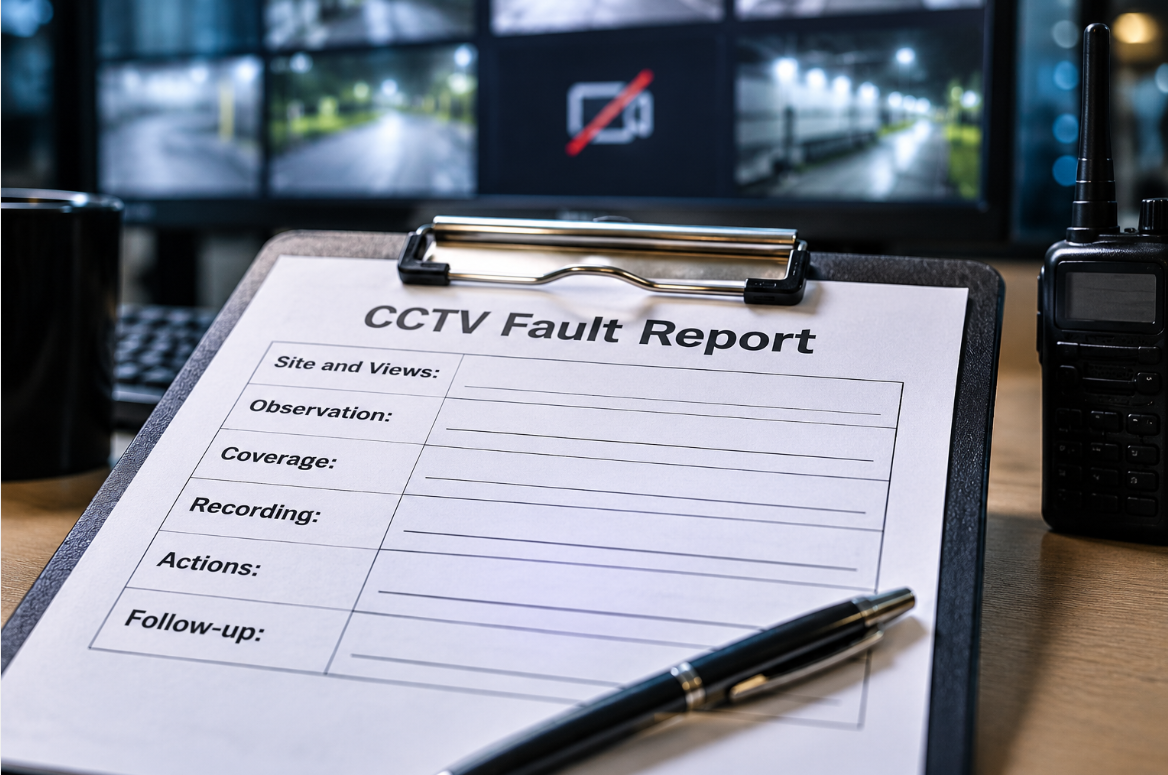
| Section | Record |
|---|---|
| Site and views | Site; camera labels; areas covered; workstation/application |
| Observation | Date/time/zone; symptom and exact error; last confirmed working time; reported outage time and source |
| Coverage | Affected activity; temporary measures; authorizing person and time |
| Recording | Live-view status; playback check and result; unconfirmed functions or gaps |
| Actions | Authorized checks/changes; person; time; result |
| Follow-up | Contact and notification time; acknowledgement; ticket number; next owner and check time |
For this scenario, the first entry could read:
[Date] 21:10 [time zone]: CAM-03, CAM-04 and CAM-07 show no image on control-room workstation 1. Other views update. Loading dock and yard entrance views unavailable; deliveries continue. Facilities reports an earlier power interruption, time unconfirmed. Last working time and recording status unknown. Playback not checked. No equipment or settings changed.
If a service request hasn’t been acknowledged, record that and follow your escalation procedure. Don’t assume someone has picked up the job.
Verify recovery before closing the ticket
Once service is restored, check each affected view and record who confirmed the images were updating and showing the intended areas. Have an authorized person separately confirm recording and playback. Document confirmed gaps and keep unresolved recording questions open. At shift change, hand over remaining coverage measures and outstanding checks to a named person.
The operational lesson
An officer does not need to diagnose a camera failure to make a meaningful contribution. Prompt notification, accurate observations and clear documentation help protect the site while authorized personnel investigate and restore service.
Security Responder · Briefing Exercise
Briefing Exercise
- 1
Read your log entry to a colleague who hasn’t heard the scenario. Can they tell which areas are uncovered and who owns the next action?
- 2
A coworker says, “It was the storm, obviously.” What goes in the log, and what doesn’t?
- 3
Your supervisor approves an observation point at the yard entrance. Which template fields change?
- 4
The views come back. What still has to be confirmed before the ticket closes?
About the Contributor
Owl Vision Solutions is a security installation company based in Markham, Ontario, serving the Greater Toronto Area. It installs and services security cameras, alarms and access control.
ovsolutions.ca